Elements and Packs
Please note - production devices may not match the photos below as we must update the aesthetics to fall within the PSVAIR specification. We will update the photos as soon as possible.
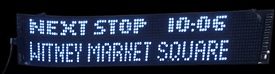
Internal LED panels repeat the Next/Current Stop Information, Like this - please excuse the image quality
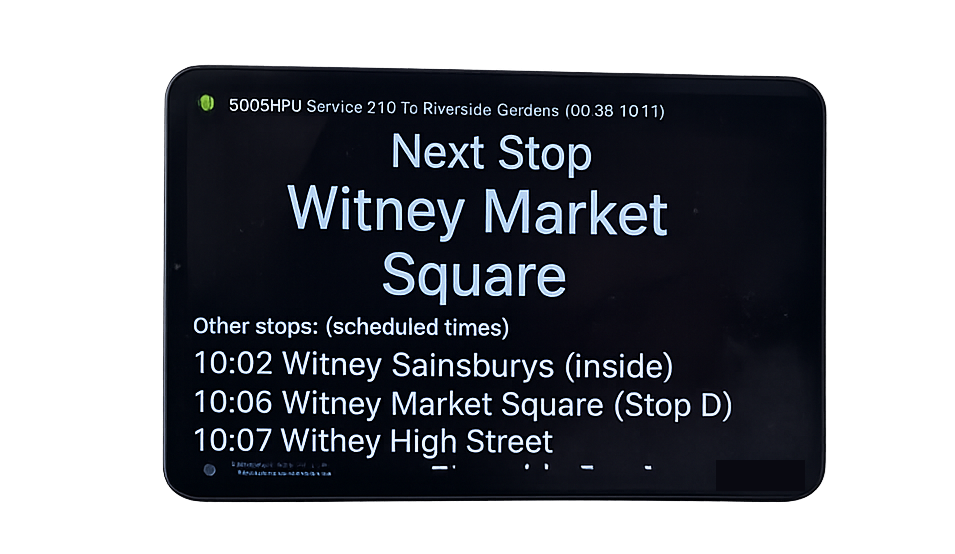
The heart of the system is the main panel which looks like this
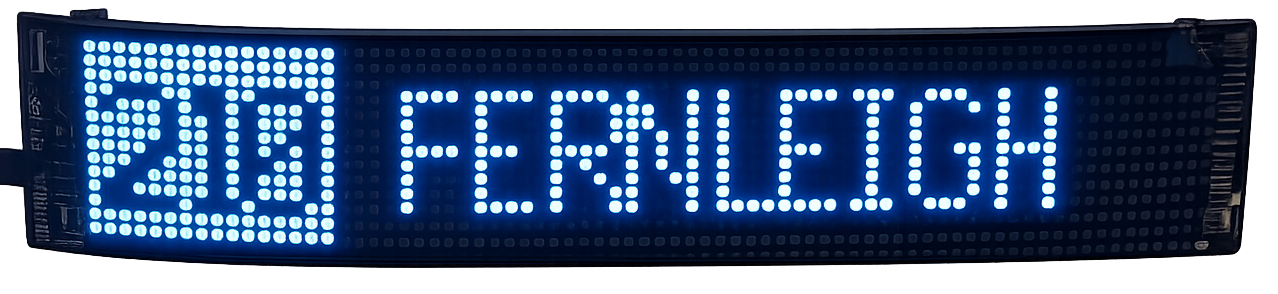
And facing to the outside of the bus and controlled by the main panel is the destination blind that is like this. Yes, its true the driver does not have to change the blind for each trip the stop announcer does it for them, You see - its worth getting just for that!
The main display can drive any number of interior and external panels. Well that's probably not strictly true - because there must be a limit. But there is not a practical limit.
Pack 1 - Scheduled Bus Pack (with no LED matrix)
- This option has the main panel and no additional LED matrix. This option integrates with your timetables for scheduled services,
Pack 2 - Scheduled Bus Pack (with one LED matrix)
- This option has the main panel and one LED matrix that can be configured as internal (stop info) or external (destination blind). This option integrates with your timetables for scheduled services
Pack 3 - Rail Replacement Pack
- Its the main panel with one LED matrix configured as destination blind. This option loads your rail replacement duties when you forward the notification that you receive from the rail company. It is true - you really do not need to send a guy to the bus with a flash drive!
Yes additional LED matrixes are available. So far we have come across the requirement for a panel upstairs on a decker (we did anticipate that) and a panel at the back of the bus for rearward facing seats (didn't see that coming!).